
Can I Downgrade iPad mini (A20 Pro, WiFi)?
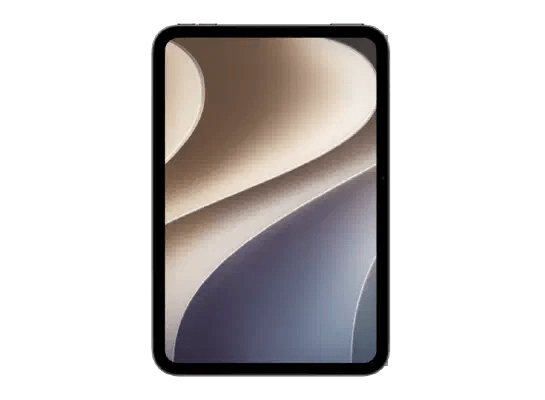
Downgrade is Currently Not Supported
Apple is currently only signing iPadOS 27.2.1 for iPad mini (A20 Pro, WiFi). The signing window for iPadOS 27.2 and all earlier releases has closed.
Apple permanently closes the signing window for older releases within 1 to 2 weeks of launching a newer update. Because Apple's servers authenticate each restore online, trying to install any previous iPadOS build on iPad mini (A20 Pro, WiFi) will immediately fail with iTunes Error 3194.
November 9, 2026
November 5, 2026
Can I downgrade from an iPadOS Beta on iPad mini (A20 Pro, WiFi)?
Yes. If your iPad mini (A20 Pro, WiFi) is running an iPadOS Beta, you can always restore back to the latest signed public release using Recovery Mode in Finder (Mac) or iTunes / Apple Devices (Windows).
Can I downgrade to the iPadOS version iPad mini (A20 Pro, WiFi) originally shipped with?
No. Apple permanently closes the signing window for older releases. Even though iPad mini (A20 Pro, WiFi) originally launched with an earlier version, Apple servers will no longer authenticate that installation.
What can I do if I cannot downgrade iPad mini (A20 Pro, WiFi) but experience battery or performance bugs?
You can perform a clean restore to the latest signed firmware using a computer to eliminate software glitches and corrupted cache, or await the next minor point update from Apple that includes targeted bug fixes.
Can I downgrade iPad mini (A20 Pro, WiFi) if the signing window has closed?
No. Apple servers reject restore verifications for unsigned builds (returning iTunes Error 3194). Unsigned firmware cannot be installed on standard Apple devices.
Will restoring or downgrading iPad mini (A20 Pro, WiFi) erase data?
Yes. Flashing an IPSW firmware file requires a restore that wipes on-device storage. Ensure your personal data is backed up to iCloud before proceeding.